
Introduction
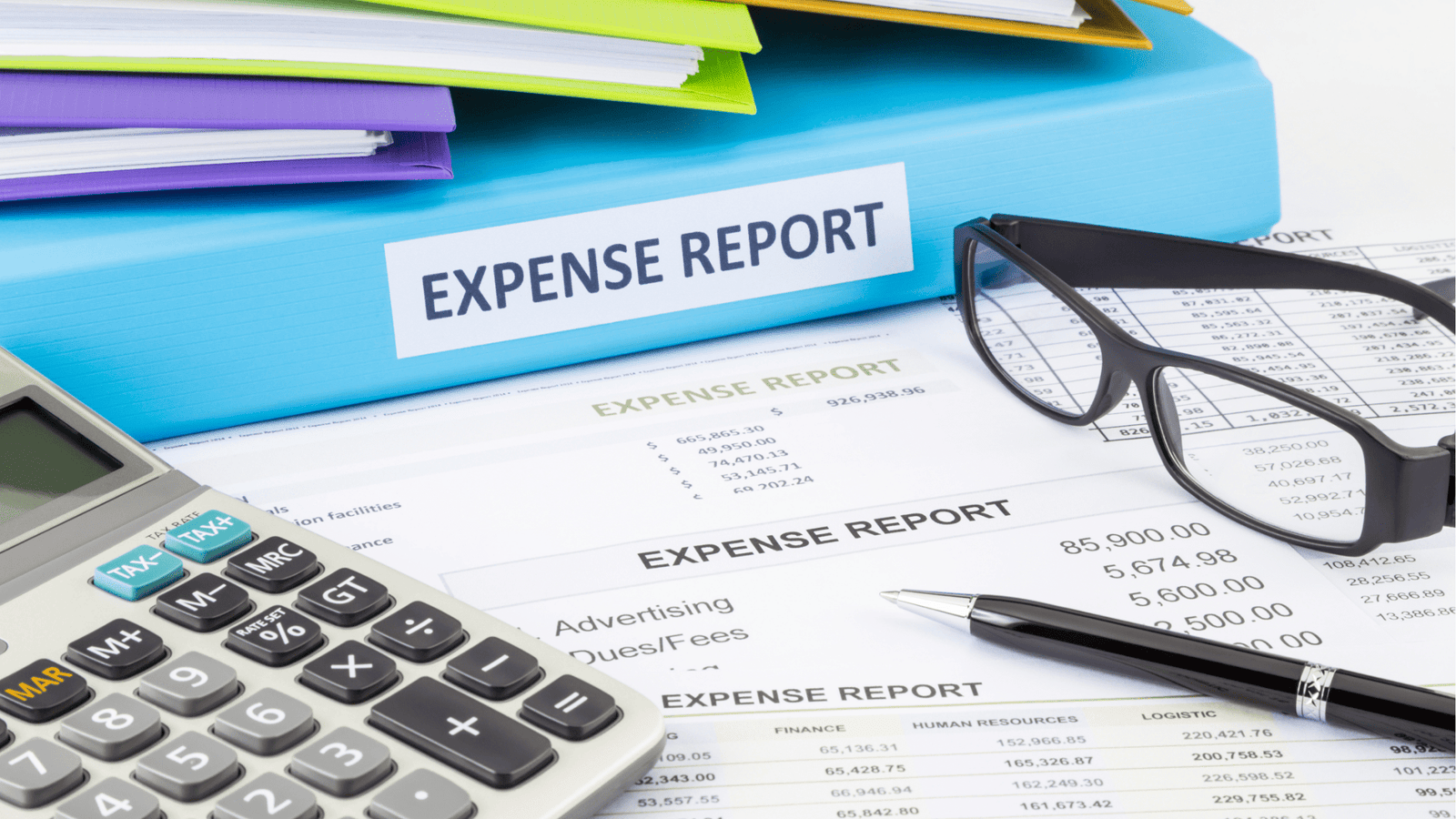
For business owners, every peso counts. Yet money often gets lost in overlooked subscriptions, unpaid invoices, or small daily expenses that quickly add up. The challenge is not just writing these costs down but being able to see clearly where the money is going.
An expense tracker makes that possible. It is a straightforward tool that records, organizes, and monitors spending. When used regularly, it shows patterns, helps cut unnecessary costs, and supports smarter budgeting that protects cash flow and increases profits.
Today, expense trackers come in many forms. You can use an Excel spreadsheet, a Google Sheet you can open anywhere, a mobile app, or a customized solution. Each option makes it easier to track expenses consistently and stay in control of your finances.
What are the benefits of using an expense tracker?
An expense tracker records all transactions in one place, makes you accountable, and replaces guesses about spending with real data. This helps you manage money with more control and confidence.
The key benefits of an expense tracker include:
- Organization of daily expenses – Track small purchases, recurring bills, and team costs in one system instead of scattered receipts.
- Time savings – Make logging and reviewing expenses quick and easy so it becomes a regular habit.
- Better decisions – See spending trends early and adjust before they affect cash flow.
- Tax preparation – Keep accurate records that make audits and tax filing simpler.
- Clear separation of costs – Distinguish between personal and business expenses, which is especially important for entrepreneurs.
For business owners, using an expense tracker means less stress, fewer surprises, and a stronger base for growth.
What are the types of expense trackers?
There are many ways to track expenses, and the best expense tracker depends on your habits and whether you need it for personal or business use. Below are the most common options.
Expense Tracker Excel
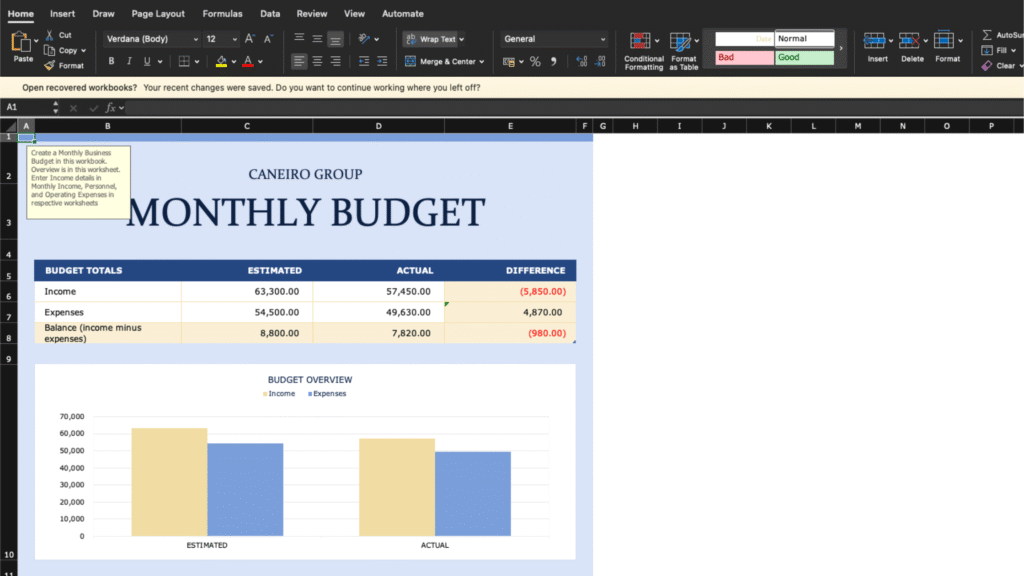
An expense tracker Excel sheet is one of the most traditional and reliable methods. It works well offline and lets you customize formulas and layouts to match your needs. Many people use daily expense tracker Excel files for small purchases or monthly expense tracker Excel templates for broader categories. Ready-made Excel templates are also available online to save setup time.
Expense Tracker Google Sheets
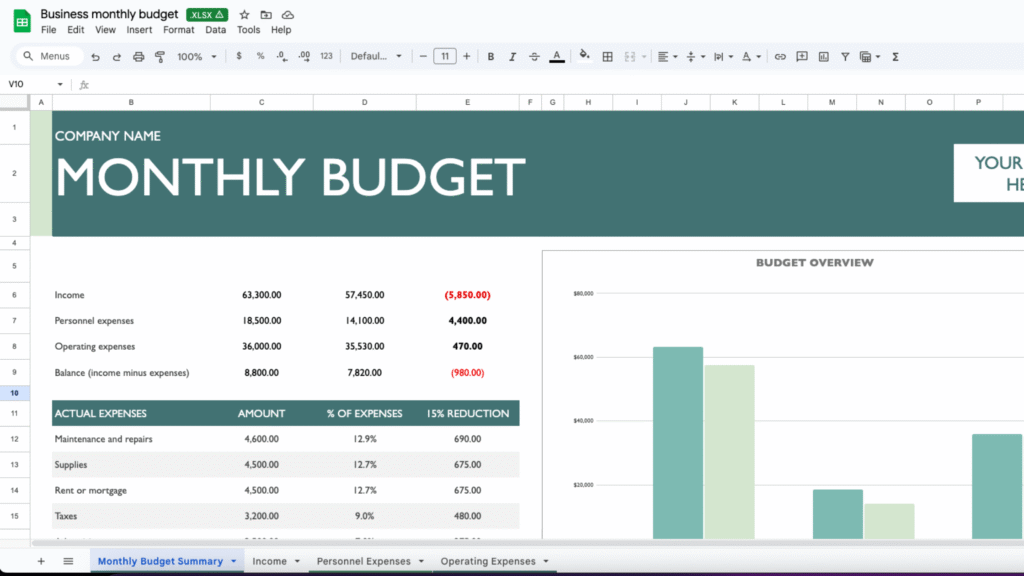
A Google Sheets expense tracker works much like Excel but adds the benefit of cloud access. You can update your budget from any device and share it with family members or teammates. Free Google Sheets expense tracker templates are easy to find and can be customized for both personal and business use.
Expense Tracker App
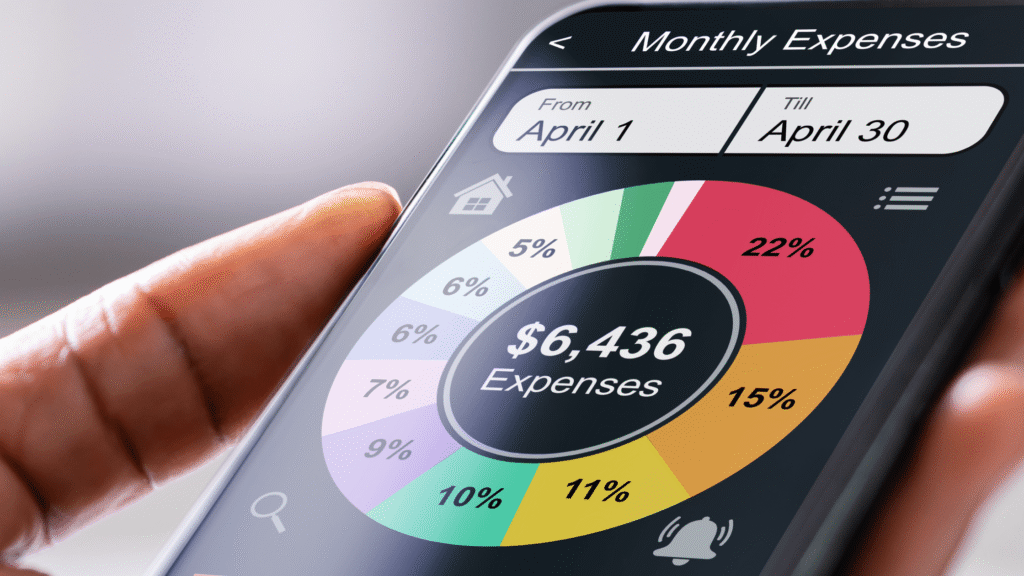
If you want a tool you can use on the go, an expense tracker app is the best choice. These apps often sync directly with your bank accounts, making it simple to track transactions automatically. Popular options include Mint, YNAB, and PocketGuard. Notion users can also try Notion expense tracker templates for a more flexible setup.
Advanced Expense Tracker
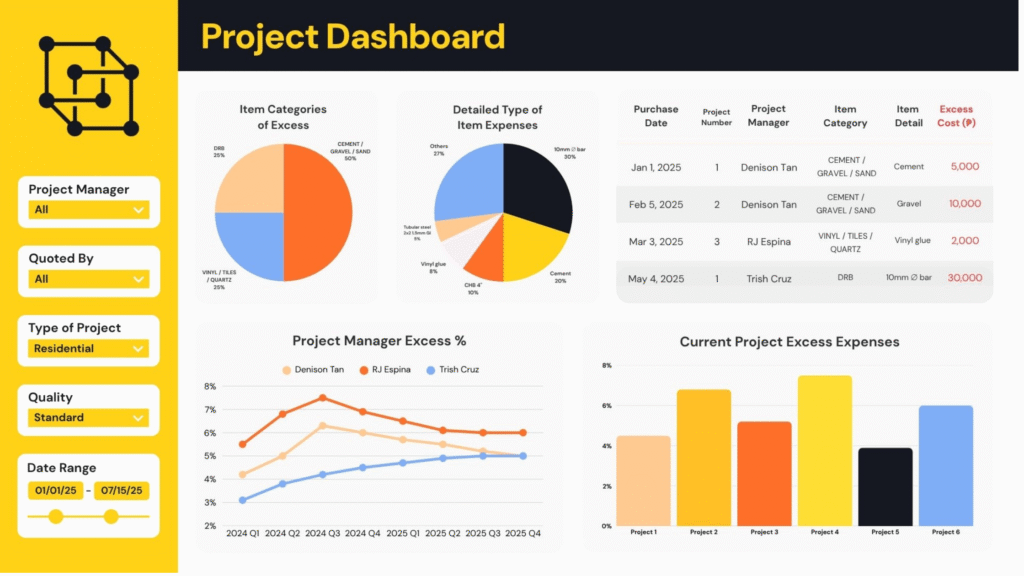
While spreadsheets and apps are enough for individuals, growing businesses often need more advanced solutions. An advanced expense tracker combines sales, payroll, and operating costs in one view, helping leaders see real-time trends and plan with confidence.
Some businesses build these systems on their own, while others partner with experts. Storyseller Systems, for example, creates custom dashboards that serve as advanced expense trackers by pulling data from multiple sources into a single hub for smarter financial management.
What are the best expense tracker apps & templates in 2025?
With so many tools available, choosing the best expense tracker can feel overwhelming. Whether you prefer a mobile app or a ready-made template, here are some of the top options for 2025.
Best Expense Tracker Apps
The best expense tracker app depends on your budget and platform. Some of the most popular choices are:
- Mint – A free app with bank syncing, budgeting tools, and easy setup.
- YNAB (You Need A Budget) – A paid app designed for proactive budgeting and saving goals.
- Notion – While not a traditional app, many users build flexible Notion expense tracker templates.
For iPhone users, there are also expense tracker apps that integrate with Apple Wallet and iOS features. Overall, Mint and YNAB remain top choices for their balance of usability and insights.
Best Expense Tracker Templates
If you prefer a quick start without installing apps, a free expense tracker template is a simple option. These work in Excel, Google Sheets, or Notion and can be customized for personal or business use.
- Google Sheets Gallery – Free Google Sheets expense tracker templates, including monthly options.
- Microsoft Excel – Personal expense tracker Excel templates are available both from Microsoft and third-party sites.
- Notion Community – Creators share prebuilt trackers for budgets, travel expenses, or team spending.
Templates are especially useful for beginners who want to test expense tracking before upgrading to a premium tool.
Best Custom Expense Tracker
For growing businesses, apps and templates may not be enough. A custom expense tracker combines sales, payroll, and operations into a single system, giving leaders real-time visibility into financial data.
This is where Storyseller Systems stands out. Instead of managing multiple tools, Storyseller builds tailored dashboards that serve as advanced business expense trackers. These connect spreadsheets, POS systems, and accounting data into one clear financial hub.
The advantage of a custom expense tracker is flexibility. It adapts to your workflow, tracks the KPIs that matter most, and reduces the risk of errors common in manual reports. For fast-growing teams, a custom solution provides the clarity and control that off-the-shelf apps or templates cannot match.
What is the difference between business vs personal expense tracking?
Not all expense trackers serve the same purpose. The features you need depend on whether you’re managing personal finances or keeping track of business operations.
| Type | Purpose | Key Features | Best For | Tools / Formats |
|---|---|---|---|---|
| Business Expense Tracker | Manages company-related spending and ensures compliance and financial clarity as operations scale. | • Tracks invoices, payroll, reimbursements, and recurring costs • Automates reporting • Integrates with accounting tools • Offers tax-ready reports and multi-user access | Small to large businesses managing multiple expense categories | • Business expense tracking software • Credit card expense tracker Excel templates |
| Personal Expense Tracker | Helps individuals or families understand and improve spending habits. | • Logs daily and monthly expenses • Tracks bills, purchases, and savings goals • Offers summaries of spending patterns • Encourages consistent tracking for financial improvement | Individuals, students, or families | • Simple spreadsheets • Expense tracker apps • Ready-made templates |
What are the common mistakes to avoid with expense trackers?
While an expense tracker can be a powerful tool, many people fall into habits that reduce its effectiveness. Avoiding these pitfalls will help you get the most value out of your system.
- Not updating regularly – Skipping entries or waiting too long to log purchases can lead to inaccurate records and missed insights. Consistency is key for reliable results.
- Poor categorization of expenses – When items are lumped together incorrectly, it becomes harder to identify where your money is really going. This can cause hidden spending patterns, overlooked costs, and budgeting blind spots.
- No data backups – Relying on a single file without backups risks losing all your progress. Whether you’re using spreadsheets or apps, syncing your data or using cloud-based templates ensures your tracker stays secure and accessible.
By steering clear of these budgeting errors, you’ll avoid overspending blind spots and ensure your tracker continues to support smarter financial decisions.
FAQs
What is an expense tracker?
An expense tracker is a tool used to record and monitor your spending. It helps you understand where your money goes, manage budgets more effectively, and plan for future financial goals.
Is Google Sheets better than Excel for expense tracking?
Both options work well, but the choice depends on your needs. An Excel expense tracker is powerful for offline, customizable use, while a Google Sheets expense tracker offers easy access across devices and team collaboration. Comparing Google Sheets expense tracker vs Excel expense tracker usually comes down to whether you value flexibility or cloud convenience.
What’s the best free expense tracker app?
Several apps make it easy to get started without paying. Mint, PocketGuard, and Notion templates are popular choices. If you’re looking for a free expense tracker app, start with one that syncs with your bank accounts and offers clear budgeting features.
How do I track daily expenses easily?
The simplest way is to use a daily expense tracker. This could be a mobile app, a spreadsheet, or even a quick-entry template. Logging purchases right after they happen makes it easier to stay consistent and spot spending patterns.
Can I use an expense tracker for business tax purposes?
Yes. A business expense tracker is especially useful for separating personal and professional costs, keeping receipts organized, and preparing accurate records for tax season. Using software or structured spreadsheets ensures compliance and simplifies audits.
Conclusion
An expense tracker is one of the simplest yet most effective tools for gaining control over your finances. Whether you’re using a simple expense tracker in Excel, logging purchases in Google Sheets, or experimenting with apps, the goal is the same—clarity and discipline in how money flows.
For individuals, starting with a free expense tracker template is often enough to build the habit. These ready-to-use options make it easy to download an expense tracker and begin tracking daily or monthly expenses right away.
But for growing teams and businesses, spreadsheets and apps can quickly become limiting. That’s where advanced solutions come in. Services like Storyseller Systems build customized dashboards that act as business expense trackers—integrating sales, operations, and financial data into one real-time command center. This gives leaders not just records, but true clarity to make better decisions.